Generate at scale
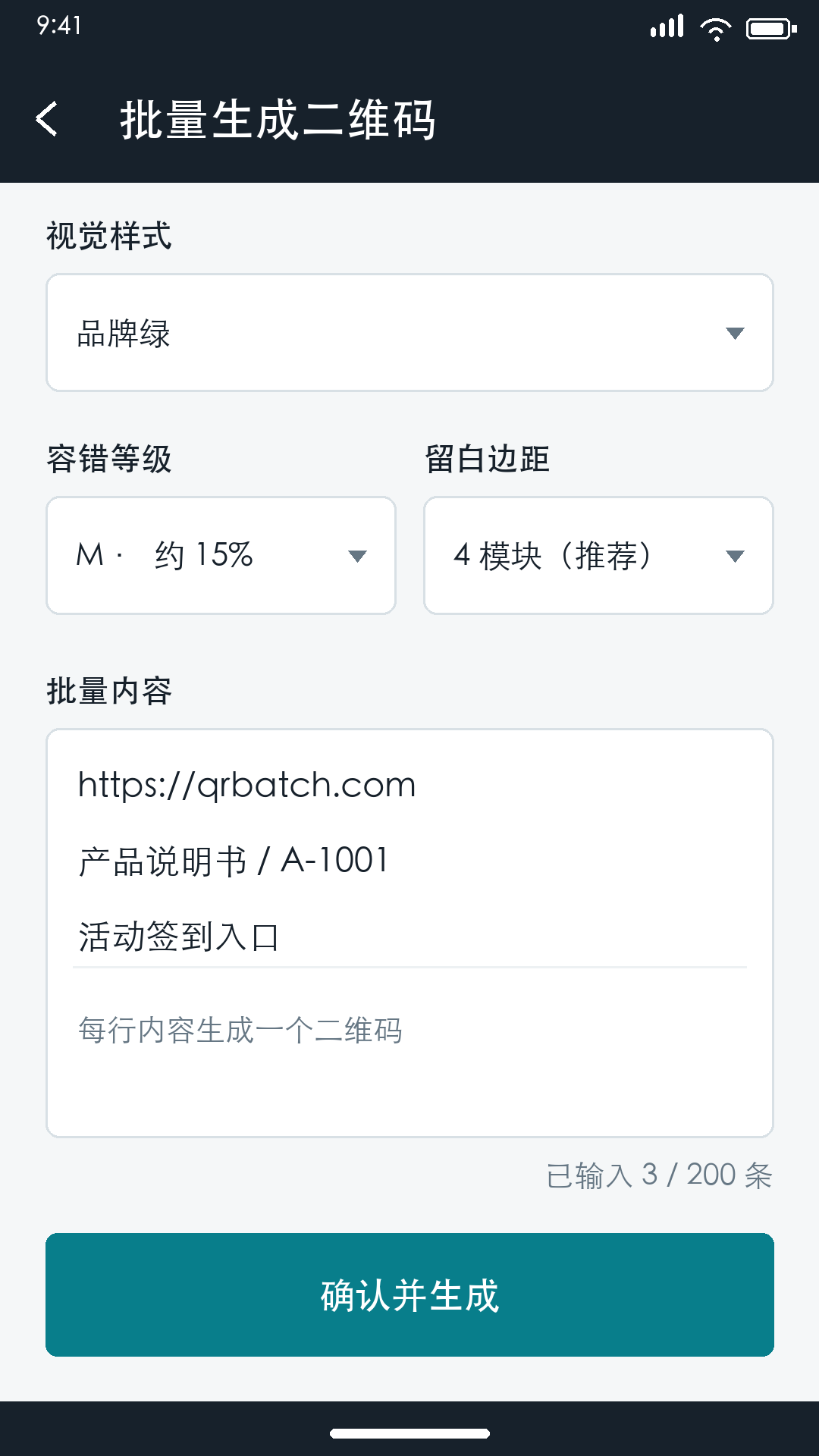
Paste one item per line or import CSV/XLSX data. Create up to 1,000 QR codes or barcodes in one batch.
 QrBatch for Android
Turn lists and spreadsheets into polished codes, run continuous scan tasks, and export files ready to share or print.
Free to download · Android 7.0 and later
Built for real batches
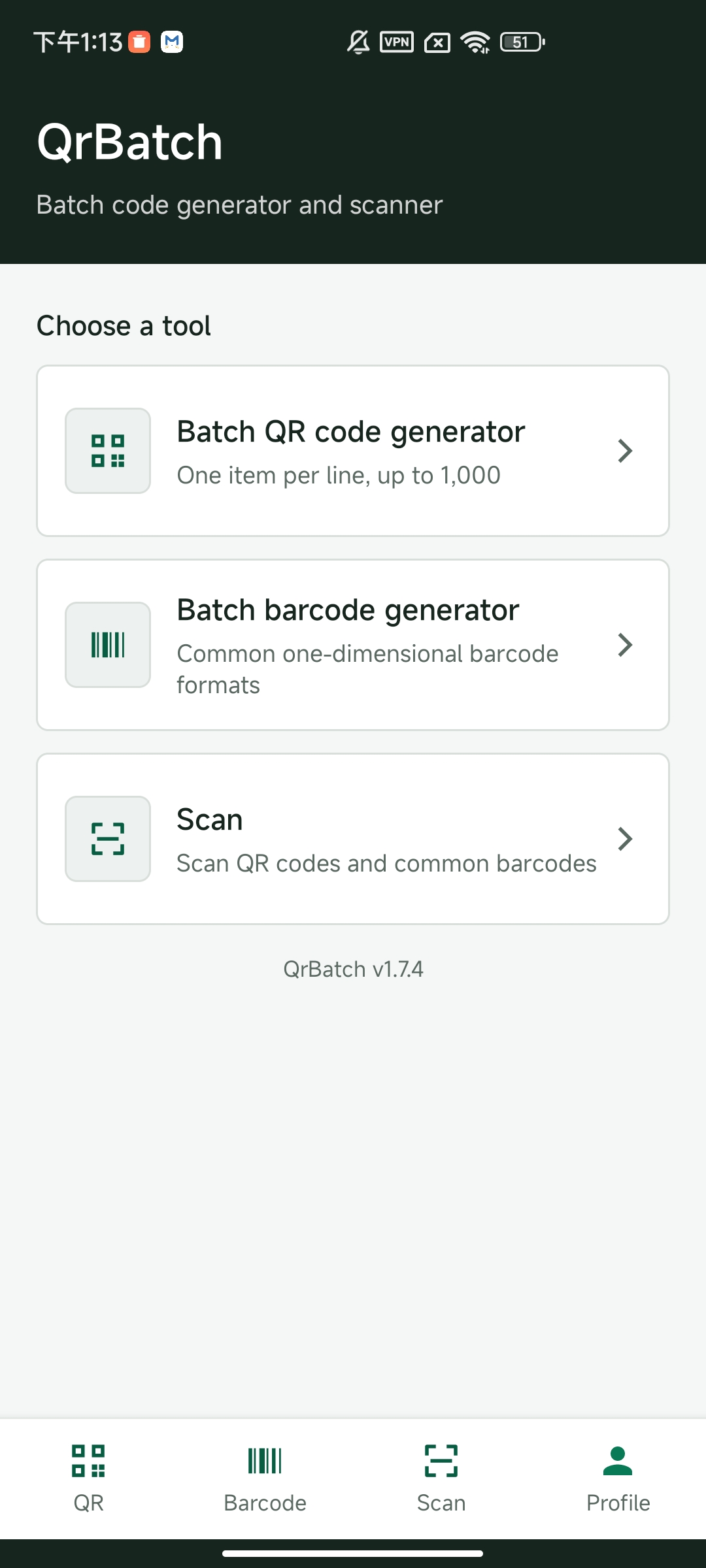
QrBatch combines creation, scanning, organization, and export in a focused mobile workflow for inventory, events, retail, operations, and field teams.
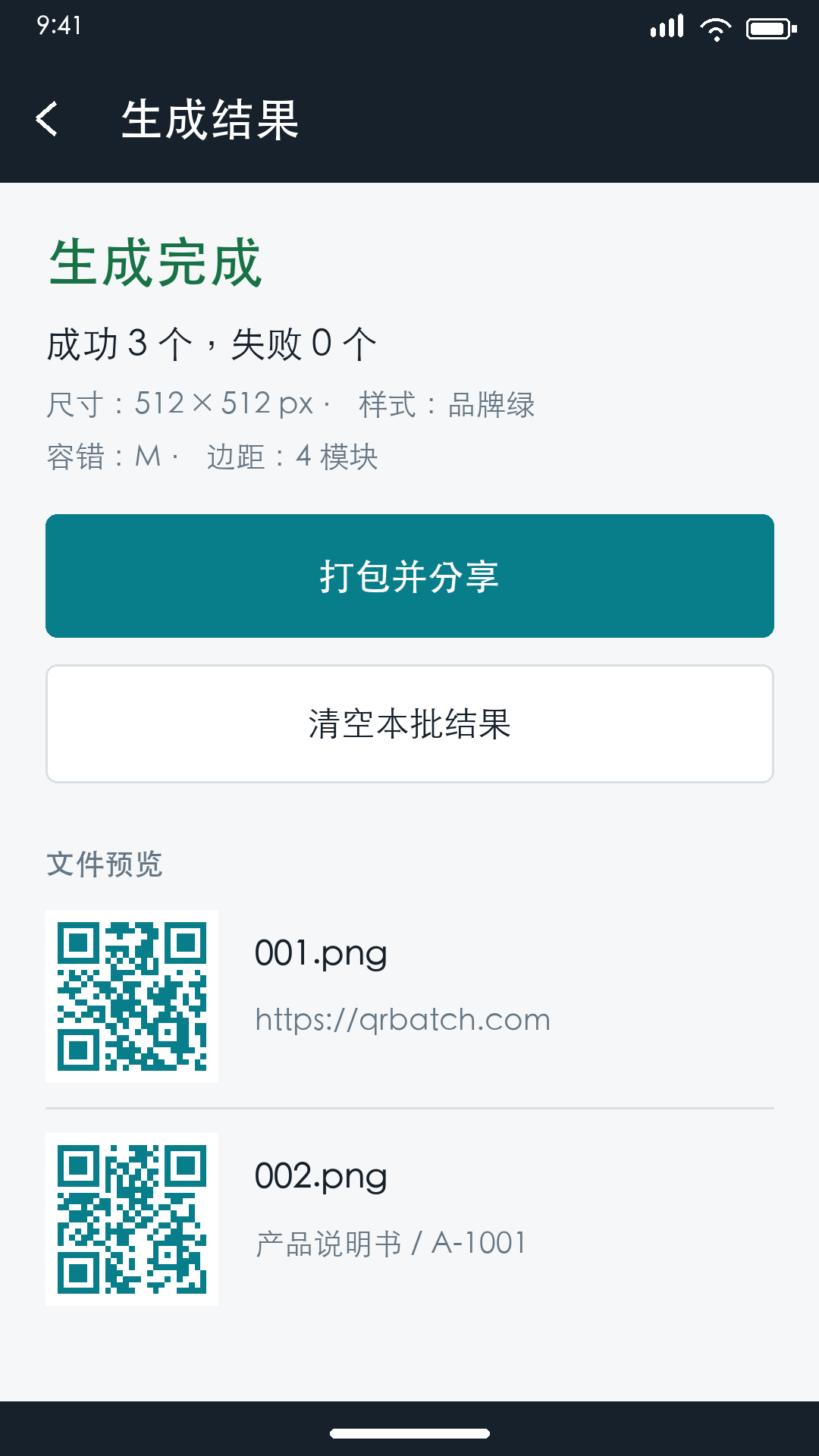
Paste one item per line or import CSV/XLSX data. Create up to 1,000 QR codes or barcodes in one batch.
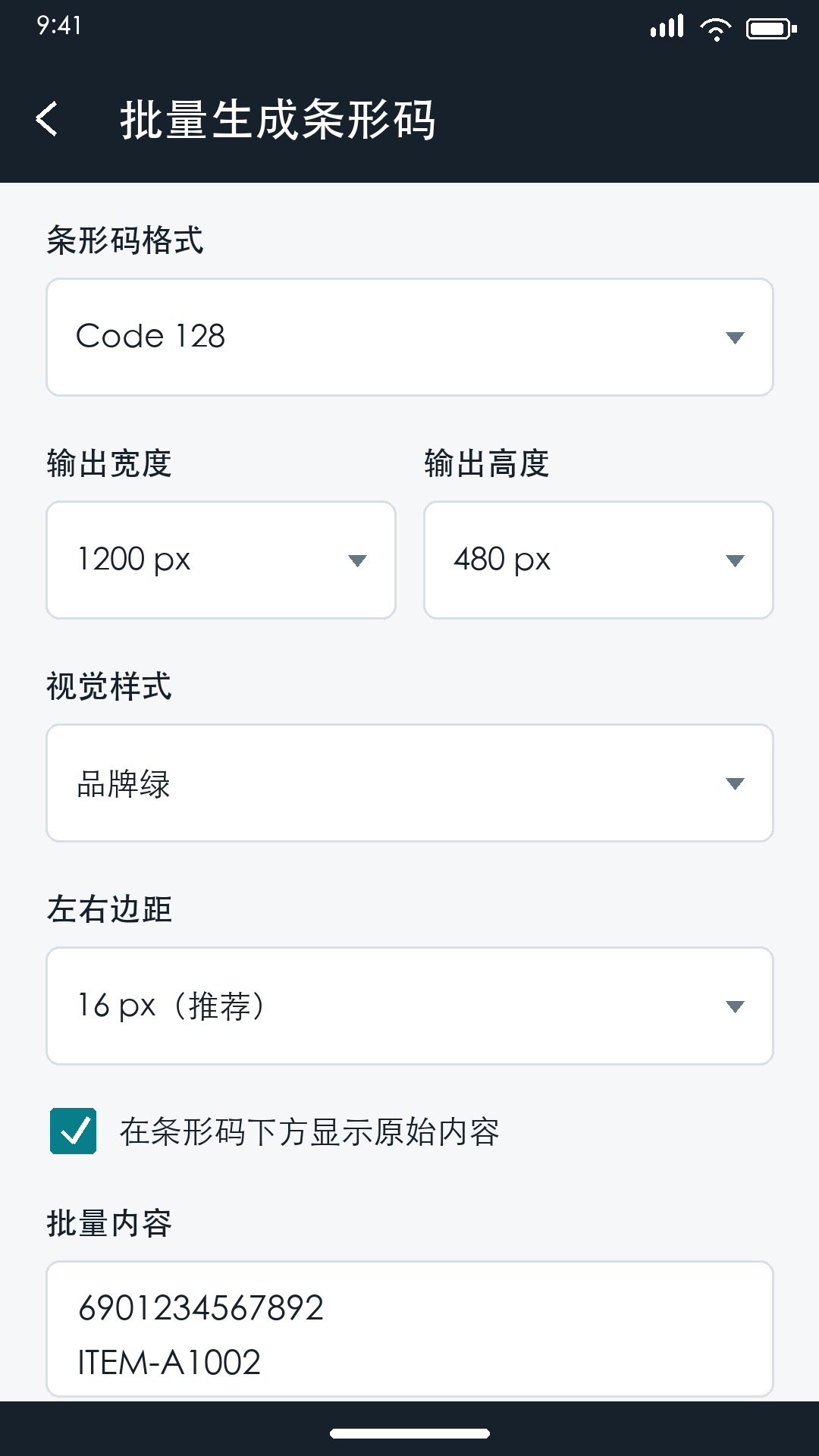
Control dimensions, DPI, margins, colors, QR module style, error correction, and center logos with live preview.
Capture from camera or gallery, suppress duplicates, add quantity and operator details, and keep working offline.
Package images as ZIP, export scan tasks to CSV, or arrange codes into PDF label sheets for printing.
A shorter workflow
Move from a spreadsheet or structured template to production-ready code files without bouncing between desktop tools.
Paste a list, auto-create a number range, use a smart template, or import CSV/XLSX.
Preview styles and choose PNG, JPEG, WebP, or SVG with output up to 600 DPI.
Export a ZIP, build a PDF label layout, send files, or print directly from Android.
Inside QrBatch
Clear previews, explicit confirmations, and visible results help you catch mistakes before a large batch leaves your phone.
One app, many jobs
Questions, answered
Need help with something else? Email support@qrbatch.com.
QrBatch supports up to 1,000 items per batch. Each non-empty line or imported row becomes one code.
Yes. Choose page size, orientation, rows, columns, margins, gaps, and captions, then export a PDF or print from Android.
Core generation happens on your device. Scan task records can be stored locally while offline and synchronized when a connection returns. Account, quota, and purchase features require internet access.
QrBatch supports English, Simplified Chinese, Arabic, German, Spanish, French, Japanese, Korean, Brazilian Portuguese, and Russian.
QrBatch is available from Google Play for supported Android devices. Use the download button below to open the official listing.